
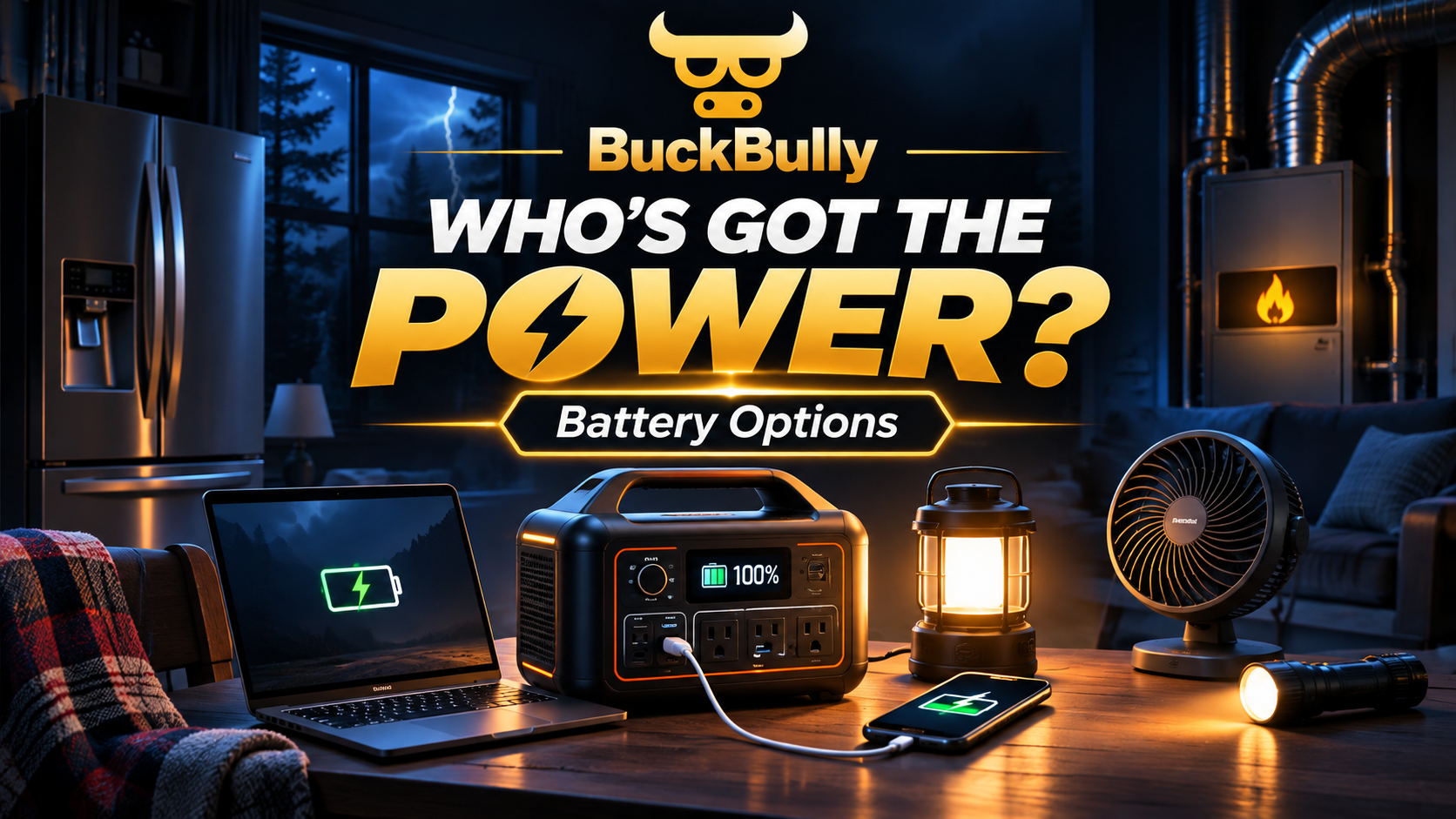
⚡ Who’s Got the Power?
What happens when the electric grid goes dark? Your refrigerator stops cooling, the furnace may stop circulating heat, the television shuts down, and your charging outlets become useless.
At BuckBully, we’re exploring how portable batteries, solar panels, rechargeable lighting, and smarter electricity management can help us keep the essentials running without relying entirely on the power grid.
🏠 1. Build Your Blackout Power Plan
Select the devices you want to keep operating. Our calculator estimates the continuous load and how long different battery systems could supply that energy.
🔋 2. Which Battery Should You Buy?
Battery power stations are usually rated in watt-hours (Wh), while their AC output is rated in watts (W). One tells us how much energy is stored. The other tells us how much equipment can run at once.
Personal Emergency Power
Best for phones, laptops, USB lighting, small fans, radios, and some televisions.
Search for: compact LiFePO4 portable power station.
Essential Appliance Backup
More practical for refrigerators, communication devices, televisions, and lights. Check surge ratings.
Search for: 1–2kWh portable solar power station.
Extended Emergency Backup
Can support larger appliance loads and potentially a compatible gas furnace with proper electrical connections.
Search for: expandable home backup power station.
Home Battery System
Suitable for planning longer essential-circuit backup. Whole-home operation depends on load and professionally installed equipment.
Search for: modular home battery and critical-load panel.
How to compare battery products
| Feature | Why it matters |
|---|---|
| Battery capacity (Wh) | Determines how much energy can be stored. |
| Continuous AC output (W) | Limits how many appliances can operate together. |
| Surge output | Important when refrigerator or motor compressors start. |
| LiFePO4 chemistry | Often offers good cycle life and thermal stability. |
| Solar charging input | Determines how quickly compatible panels can replenish energy. |
| UPS/transfer capability | Important for devices needing minimal interruption; verify actual transfer time. |
| Safety certification | Look for relevant independent product certification and clear manufacturer documentation. |
🔌 3. What Can Power Each Part of Your House?
📺 Electronics
Buy: USB-C PD power banks, a 300–1,000Wh power station, multiport charging hubs, and USB-C charging cables.
For the most efficient setup, use direct USB-C charging instead of converting battery energy to AC whenever practical.
🧊 Refrigerator
Buy: 1,000–2,000Wh or larger power station with sufficient compressor startup surge support.
Use an appliance watt meter before an outage. Avoid repeatedly opening refrigerator doors.
🔥 Gas Furnace
Buy: Appropriately sized backup power with pure sine-wave AC output and surge capacity.
Some furnaces also require proper grounding, neutral bonding, polarity, and control-board compatibility.
Have an electrician or HVAC professional design a code-compliant connection.
❄️ Cooling Fans
Buy: Rechargeable USB fans, efficient DC pedestal fans, and a small battery power station.
Fans generally use dramatically less energy than conventional air conditioners.
♨️ Space Heating
Buy: Thermal blankets, insulated curtains, weather stripping, and non-electric warmth supplies first.
Electric resistance heaters consume large amounts of battery energy. Consider a professionally installed backup for a compatible primary heating system.
💡 Household Lighting
Buy: USB LED strips, rechargeable lanterns, battery puck lights, headlamps, motion-sensing nightlights, and rechargeable emergency bulbs.
Prioritize stairs, bathrooms, hallways, and bedrooms.
☀️ 4. How Does a Solar Battery System Work?
Solar panels generate power when sunlight is available. A compatible charge controller or built-in solar input manages charging, while the battery stores energy for later use.
Interactive Solar Charging Calculator
💡 5. Blackout Lighting Lab
When the power goes out, standard household bulbs stop working. But there are practical ways to light an entire room without running a conventional lamp.
🔦 Rechargeable LED Lantern
Best for general room illumination. Look for adjustable brightness, replaceable or rechargeable batteries, and long low-power runtime.
💡 Emergency Rechargeable Bulbs
Some bulbs include built-in batteries that operate during an outage. Confirm fixture and switch compatibility.
🌈 USB LED Strip
Connect to a USB power bank for low-power countertop, hallway, or bedroom lighting.
👣 Motion Sensor Puck Lights
Useful for closets, stairs, bathrooms, and passageways when you don’t want lights operating all night.
🎯 Headlamp
Ideal for hands-free repairs, cooking, reading, and getting around safely.
🕯️ Battery Tea Lights
A flameless substitute for traditional candles, especially useful around children, pets, and flammable supplies.
Try Our Virtual Emergency Lamp
Emergency lamp is OFF
Illustration only. This control demonstrates emergency lighting selection and does not operate a physical lamp.
📐 6. Why Space Heaters Drain Batteries So Fast
Let’s compare estimated operation on a 2,000Wh power station with 85% usable energy.
🎥 7. DIY YouTube Power Workshop
Before assembling a system, learn from demonstrations and carefully compare the equipment’s technical ratings. These YouTube search links help you find current tutorials and hands-on tests.
🔋 DIY LiFePO4 Battery Basics
Learn what batteries, fuses, cables, charge controllers, and inverters do in a low-voltage backup system.
Explore Will Prowse tutorials☀️ Solar Generator Setup
Compare solar-input compatibility, charging performance, and practical portable power station configurations.
Watch HOBOTECH tests🧊 Refrigerator Battery Test
See real-world compressor cycling, startup demands, and differences between energy ratings and actual runtime.
Watch refrigerator tests💡 USB Emergency Lighting
Explore simple USB power-bank and LED lighting projects that avoid household wiring modifications.
Explore lighting projects🔥 Furnace Backup Planning
Understand why furnace motor surges, neutral bonding, grounding, and transfer equipment matter.
Explore furnace backup explanations🏠 Critical-Circuit Backup
See how qualified electricians plan safely isolated essential circuits and compliant transfer equipment.
Explore home backup systems🛒 8. Build Your Power Survival Shopping List
Check off what you already have. Your progress is saved locally in this browser when storage is available.
⚠️ 9. What NOT to Do During a Blackout
- Run a gas, propane, or diesel generator indoors, inside a garage, or near windows and vents. Keep it outdoors at least 20 feet from the home, with exhaust directed away from openings.
- Use charcoal grills, camp stoves, or outdoor fuel-burning heaters indoors.
- Plug a generator or inverter into a normal house outlet to energize home wiring.
- Make an improvised furnace connection or bypass electrical protection devices.
- Assume that a power station’s watt-hour rating guarantees compatibility with every appliance.
- Charge damaged lithium batteries, cover their ventilation openings, or expose them to extreme heat.
Keep carbon monoxide alarms functional. Use certified equipment, follow the manufacturer’s instructions, and consult a licensed electrician for backup systems involving household circuits.
🎯 10. The BuckBully Power Strategy
We don’t need to buy everything at once. We need to build a smarter emergency power system, starting with the devices that matter most.
Stay Connected
Phone power banks, charging cables, headlamps, portable lanterns, and an emergency radio.
Save the Food
Battery station large enough for the refrigerator, plus accurate appliance measurements and safe charging options.
Stay Comfortable
Efficient fans, insulation, weather stripping, warm clothing, and safely planned heating backup.
Build Long-Term Resilience
Expandable storage, solar recharging, and professionally installed backup for essential house circuits.
Our bottom line: In a blackout, the strongest plan isn’t always the biggest generator or most expensive battery. It’s knowing how much electricity your household needs, how long your batteries will last, and how to use every stored watt wisely.